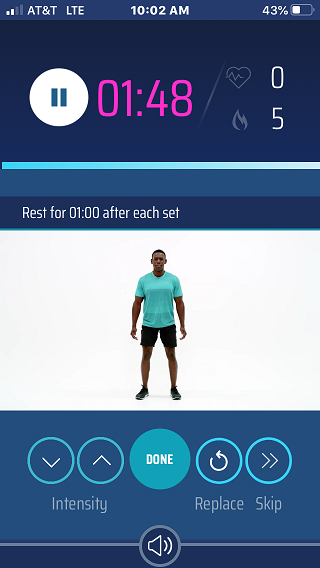
How do I skip or replace a movement? Coach Cameron October 28, 2020 15:23 Updated You can skip or replace a movement by tapping on the Skip or Replace icons just right of the Done button. Related articles How do I listen to music / stream a show / etc. while I do a müüv workout? What equipment can I use during müüv workouts? What are Pacing cues? How do I make a movement easier or harder? Comments 0 comments Please sign in to leave a comment.

Comments
0 comments
Please sign in to leave a comment.